hope you'll learn new things reading this! :) have a nice read

"impressed, right ? :D"
I've been hacking my own consoles since the Wii, DS, and 3DS days. I always wondered how homebrews actually worked behind the scenes, so recently I just thought, "why not try making a small one just to test it out?"
What the hell is a "homebrew"?
Since i'm a lazy ass, take this definition:
"Homebrew refers to software, games, modifications, or apps that are unofficially created by amateurs or hobbyists. These are usually not supported by game or console developers." - G2A
An example of well known homebrew could be PCSX Rearmed that would allow you to emulate a PS1 console for example on the Switch, the Wii, an XBOX, or a Nintendo 3DS (💀).
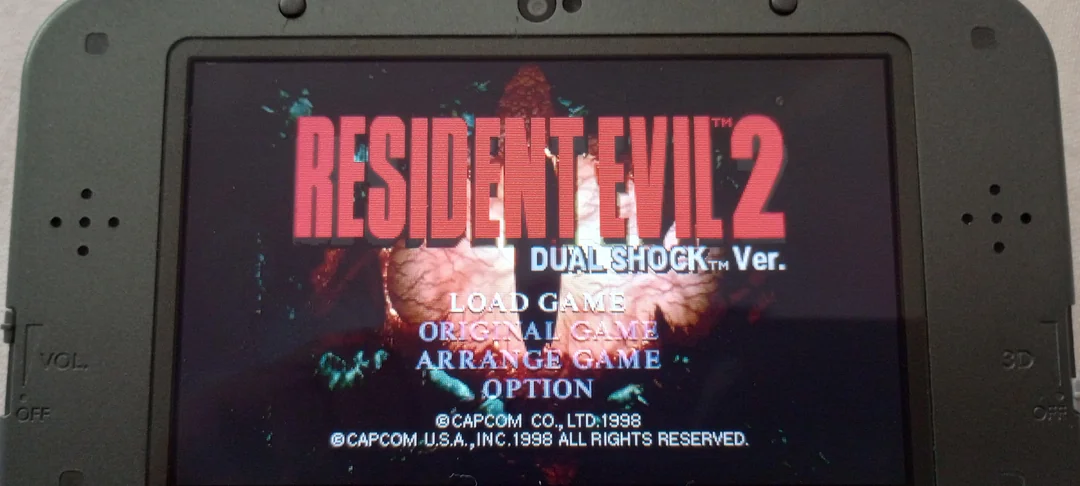
It's basically taking a locked-down console and forcing it to run code it was never supposed to.
How is it possible that we can do that?
Actually that's a great question, i think answering it here would be very long and there is some people who've made pretty good resources to answer this question.
Like this video of Modern Vintage Gamer
But to be simple, when the Nintendo Switch was hacked, a lot of reverse engineering has been done to understand how the console works (mostly how the software communicate with the hardware) and after this long work done: libnx was out!
libnx? never heard about it
In my case: i wanted to get real-time information about the console itself (like the temperature, the memory available etc...) but i needed a way to get all theses informations
that's why libnx is here, it is basically the ultimate open-source C library built by the community. It's acting as a bridge between our code (generally done with C or C++) and the Switch's internal services (like graphics, audio, or inputs)
without it, writing a simple hello world on the screen would be more difficult than a simple call function. here an example with libnx:
#include <string.h>
#include <stdio.h>

#include <switch.h>

int main(int argc, char **argv)
{
    //Initialize console. Using NULL as the second argument tells the console library to use the internal console structure as current one.
    consoleInit(NULL);

    // Configure our supported input layout: a single player with standard controller styles
    padConfigureInput(1, HidNpadStyleSet_NpadStandard);

    // Initialize the default gamepad (which reads handheld mode inputs as well as the first connected controller)
    PadState pad;
    padInitializeDefault(&pad);

    //Move the cursor to row 16 and column 20 and then prints "Hello World!"
    //To move the cursor you have to print "\x1b[r;cH", where r and c are respectively
    //the row and column where you want your cursor to move
    printf("\x1b[16;20HHello World!");

    while(appletMainLoop())
    {
        // Scan the gamepad. This should be done once for each frame
        padUpdate(&pad);

        // padGetButtonsDown returns the set of buttons that have been newly pressed in this frame compared to the previous one
        u64 kDown = padGetButtonsDown(&pad);

        if (kDown & HidNpadButton_Plus) break; // break in order to return to hbmenu

        consoleUpdate(NULL);
    }

    consoleExit(NULL);
    return 0;
}"It doesn't seem really hard"
I can only agree with you, and something even better, is that the library is pretty well documented in my honest opinion. Here are 2 good link if you are interested:
And so what?
My idea was to build a little tool, that could be done in one or two weeks. So why not a monitoring tool? It would show the user, (real-time) informations about the console, like the battery, the time, the firmware version, the disk information, the mode etc.... (like htop ? 👀)
To try my homebrew, i've used Ryujinx (yes, it still existing, even after the Nintendo's shut down request)
Let's take a quick look at it:
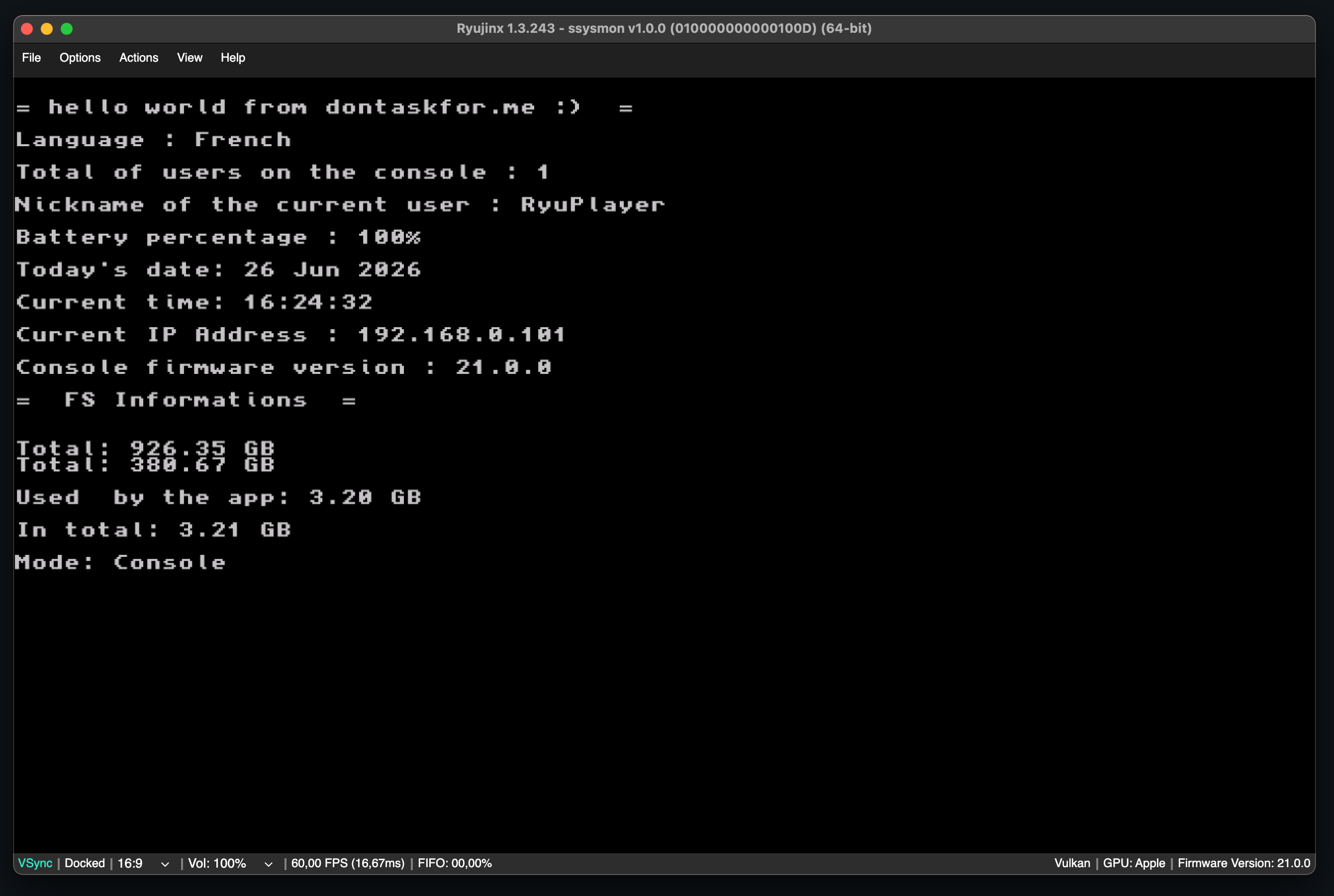
Yeah i know, it's a bit simplistic, but I have an excuse!
For example, to get the battery percentage, i've made my own function that is simply a wrapper of the libnx function psmGetBatteryChargePercentage
u32   ssysmon_GetBatteryPercentageConsole() {

    u32 batteryPercentage = 0;

    if (R_FAILED(psmInitialize()))
        return 0;

    if (R_FAILED(psmGetBatteryChargePercentage(&batteryPercentage))) {
        batteryPercentage = 0;
    }

    return batteryPercentage;
}
no problem here right ? but if we want to know the fan speed Ryujinx will automatically crash since it can't reproduce this service call (IPC). and this is also a problem for many other libnx functions
/* Impossible to try on Ryujinx :
    - Fan speed
    - Temperature
    - Quality of the Wi-Fi
    - Overclocking level
    - Screen luminosity
    - and more...


void    ssysmon_getFanSpeed(float *level) {

    if (R_FAILED(fanInitialize())) {
        debugPrint("fanInitialize failed.");
        return;
    }

    u32 device_code = 0;
    FanController fc = {0};

    if (R_FAILED(fanOpenController(&fc, device_code))) {
        fanExit();
        debugPrint("fanOpenController failed.");
        return;
    }

    if (R_FAILED(fanControllerGetRotationSpeedLevel(&fc, level))) {
        fanControllerClose(&fc);
        fanExit();
        debugPrint("fanControllerGetRotationSpeedLevel failed.");
        return;
    }

    debugPrint("We successfully got the fan speed rotation value.");
    fanControllerClose(&fc);
    fanExit();
    return;
}*/
The implementation is there but no way to make it working on an emulator...
I have a real Nintendo Switch that I could hack and test on... but like I said before, I'm a little lazy lol
Here's another snippet so you can see what it looks like
void    ssysmon_getRamUsage(u64 *used, u64 *total) {

    if (R_FAILED(svcGetInfo(total, InfoType_TotalMemorySize, CUR_PROCESS_HANDLE, 0))) {
        debugPrint("svcGetInfo (total memory) failed.");
        return;
    }

    if (R_FAILED(svcGetInfo(used, InfoType_UsedMemorySize, CUR_PROCESS_HANDLE, 0))) {
        debugPrint("svcGetInfo (used memory) failed.");
        return;
    }

}

void    ssysmon_getSDCardSpace(s64* free, s64 *total) {

    if (R_FAILED(fsInitialize())) {
        debugPrint("fsInitialize failed.");
        return;
    }

    FsFileSystem fs;
    if (R_SUCCEEDED(fsOpenSdCardFileSystem(&fs))) {
        Result rcFree = fsFsGetFreeSpace(&fs, "/", free);
        Result rcTotal = fsFsGetTotalSpace(&fs, "/", total);

        if (R_FAILED(rcFree) || R_FAILED(rcTotal)) {
            debugPrint("fsFsGetFreeSpace/fsFsGetTotalSpace failed.");
            fsExit();
            return;
        }
        fsFsClose(&fs);
    }

    fsExit();
}

void    ssysmon_getConsoleFirmwareVersion() {
    if (R_FAILED(setsysInitialize())) {
        debugPrint("setsysInitialize failed.");
        return;
    }

    SetSysFirmwareVersion consoleVersionInfos;

    if (R_FAILED(setsysGetFirmwareVersion(&consoleVersionInfos))) {
        debugPrint("setsysGetFirmwareVersion failed.");
        setsysExit();
        return;
    }

    printf("Console firmware version : %s\n", consoleVersionInfos.display_version);
    setsysExit();
}
We could say it's a good start, but we could make it look nicer, couldn't we?
I totally agree! But once again, emulation has its weakness.. In the Nintendo Switch homebrew development, there is one graphical library that is really appreciated for the result it can give:
Borealis!
Borealis is probably the best graphical UI library for Nintendo Switch homebrews.
And so i've tried for a week to make it work on Ryujinx, but after asking people and doing some research, i've come to the conclusion that it wasn't possible to make it work on Ryujinx.
But why?
Borealis expects to talk to the real Switch graphics stack (like vi, nvservices, and the low-level GPU framebuffer). But Ryujinx replaces most of that rendering pipeline with its own Vulkan or OpenGL backend. The second Borealis tries to create native surfaces or hit the Horizon OS GPU interfaces, Ryujinx doesn't know how to answer. The calls fail, and the whole app just crashes.
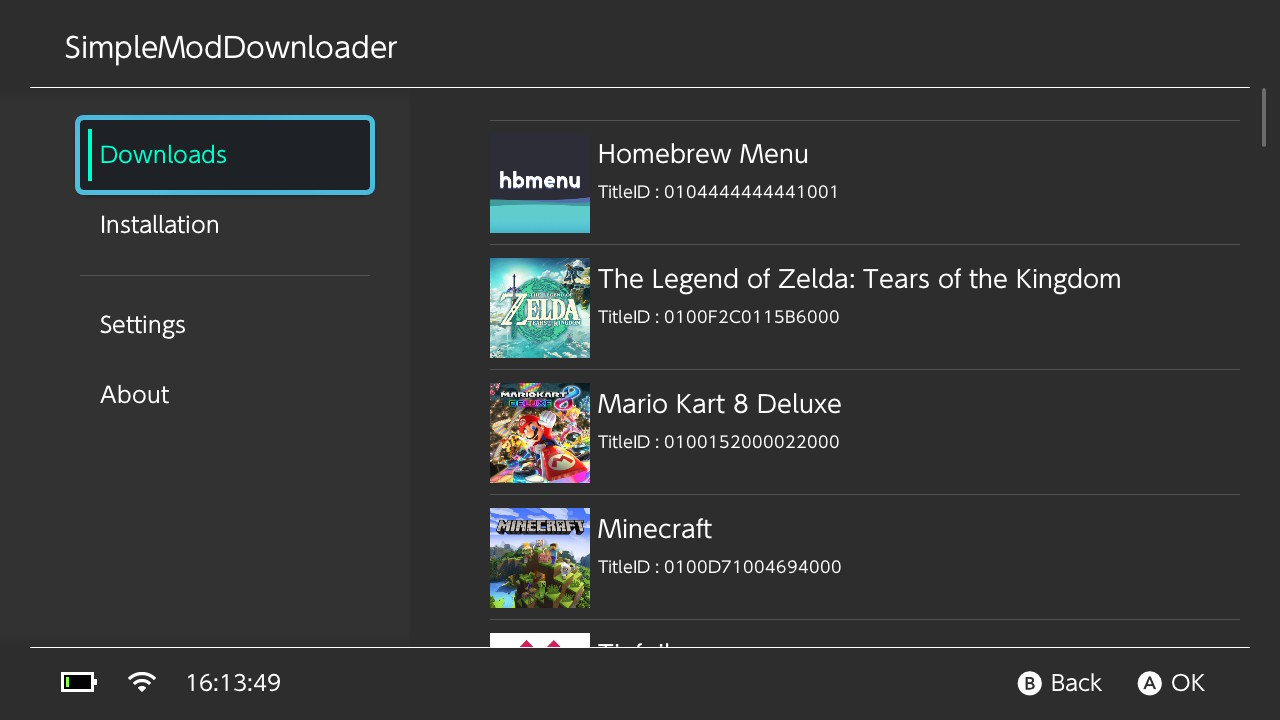
here an example
Conclusion: skill issue!
Maybe, but at the end, it was only a test and i'm pretty happy of the many things i've learned during these few hours developing this little tool!.
The code isn't on my Github yet because it deserves to run on real hardware first!
One day I'll stop being lazy, and finish it.. or I won't. We'll see!
If you have any questions or corrections, feel free to reach out!